The details that make it the team's site
From its settings, each team gives its site an icon, a language and its own reCAPTCHA keys, and switches on the extras it needs. The people who sign in on the site are listed for it.
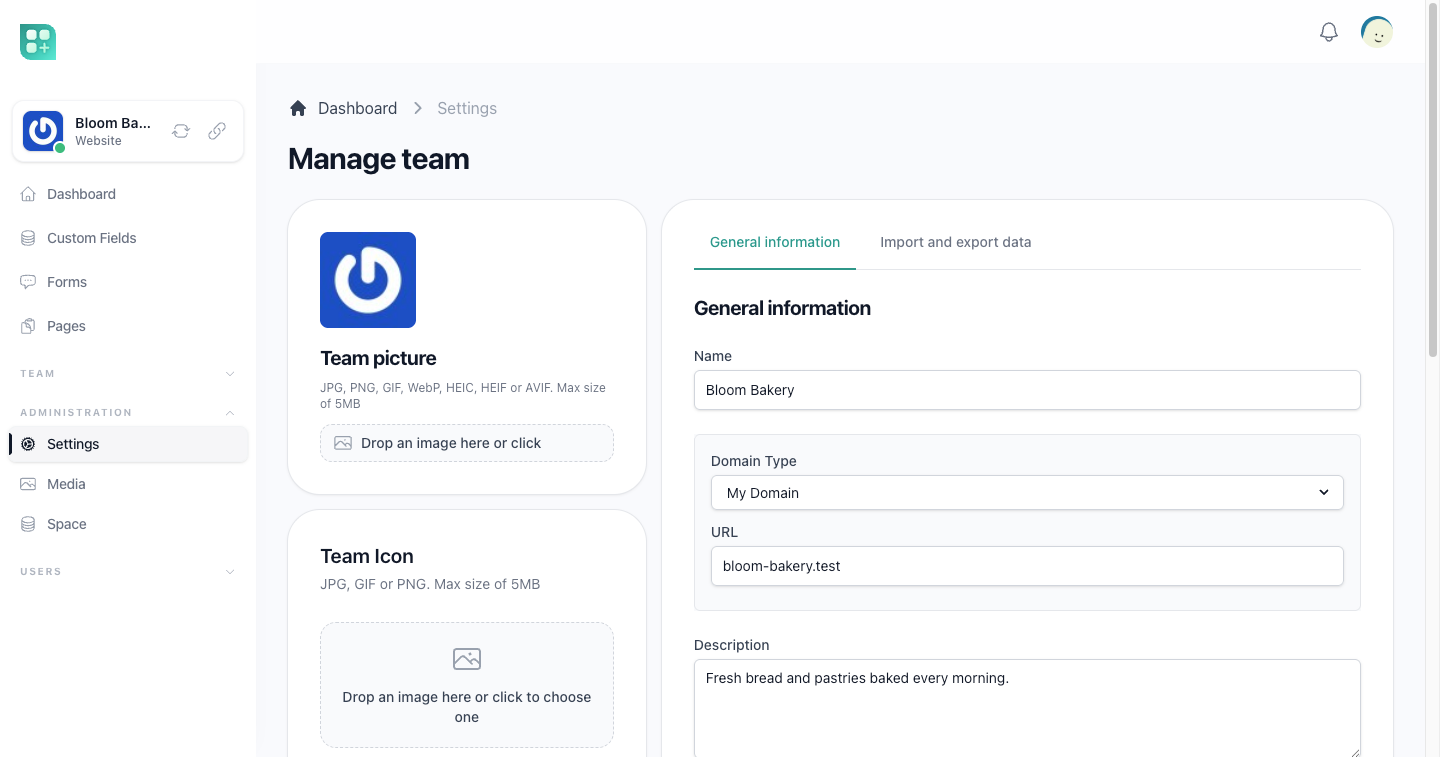
An icon and a language per site
The icon shows in the browser tab and is stored in the team's file library. The language is declared on every page of the site, so browsers and search engines read it the way the team wrote it.
What each setting changes →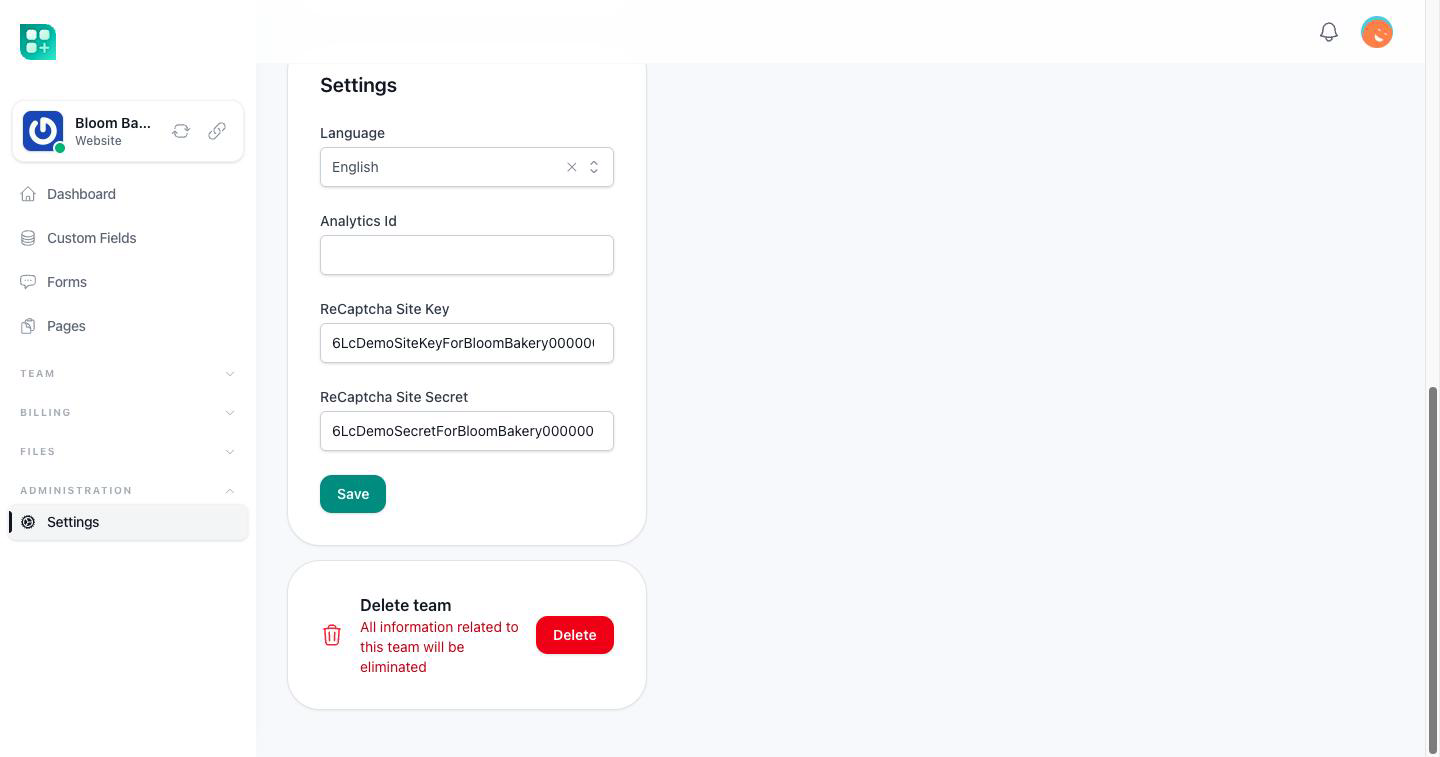
reCAPTCHA with the team's own keys
Each site uses the reCAPTCHA keys its team saves, so the forms of one team are never checked against another team's account.
Extras switched on when needed
Forms and custom fields are off until the team ticks them in its settings, so a team that only wants pages sees only pages.
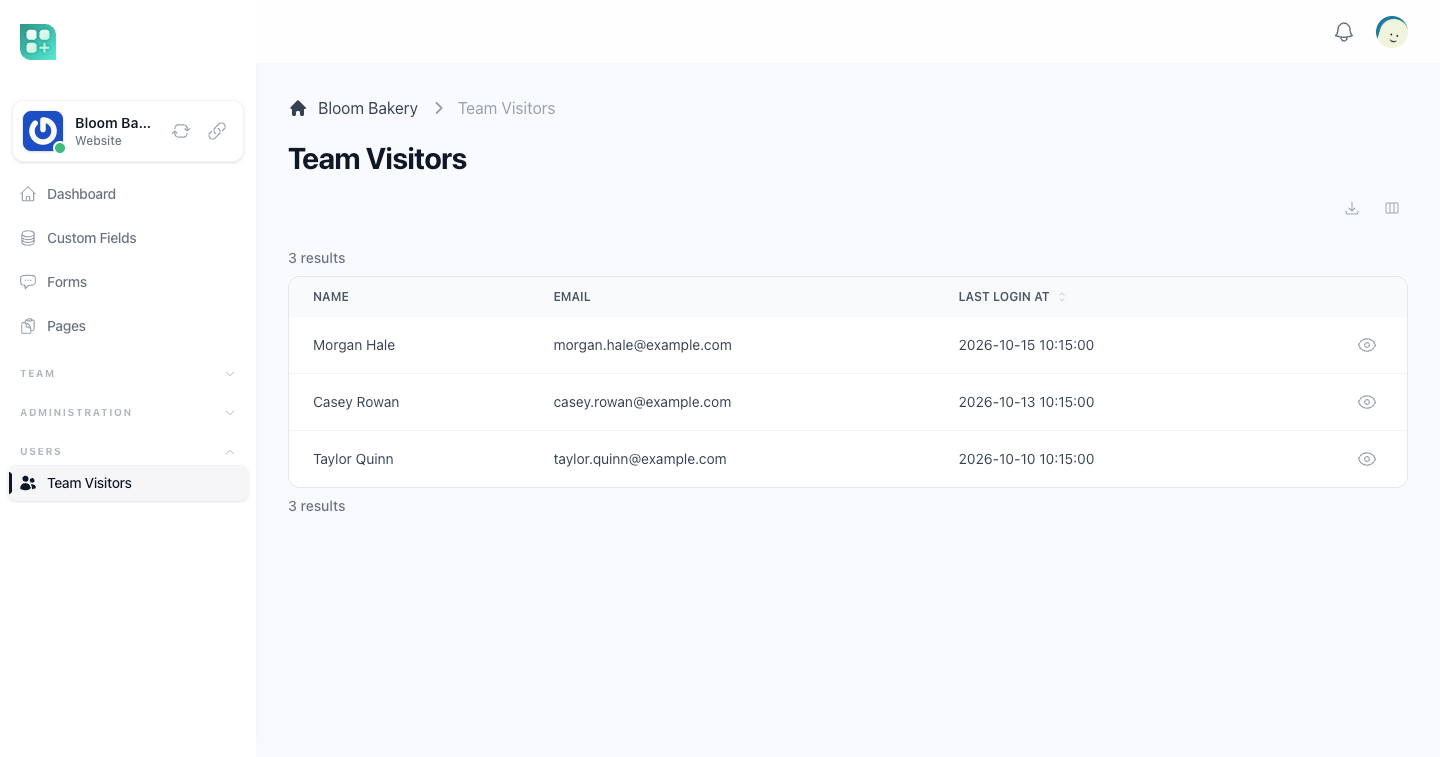
Know who signs in on the site
Someone who registers or signs in on a team's site is added to that team's visitors, with their name, their email and the last time they signed in. They see the site; they never join the team.
How visitors are recorded →Page errors shown only while you need them
With debug mode on, a page that fails shows its error, the line and its code, so the team sees what to fix. Switch it off and visitors get a plain error message instead, with nothing about the code.
How debug mode works →Files served from the team's domain
Turn file masking on and the images of the team's library are served from the site's own address instead of your storage.